How to Clean and Disinfect Your Medical Carts
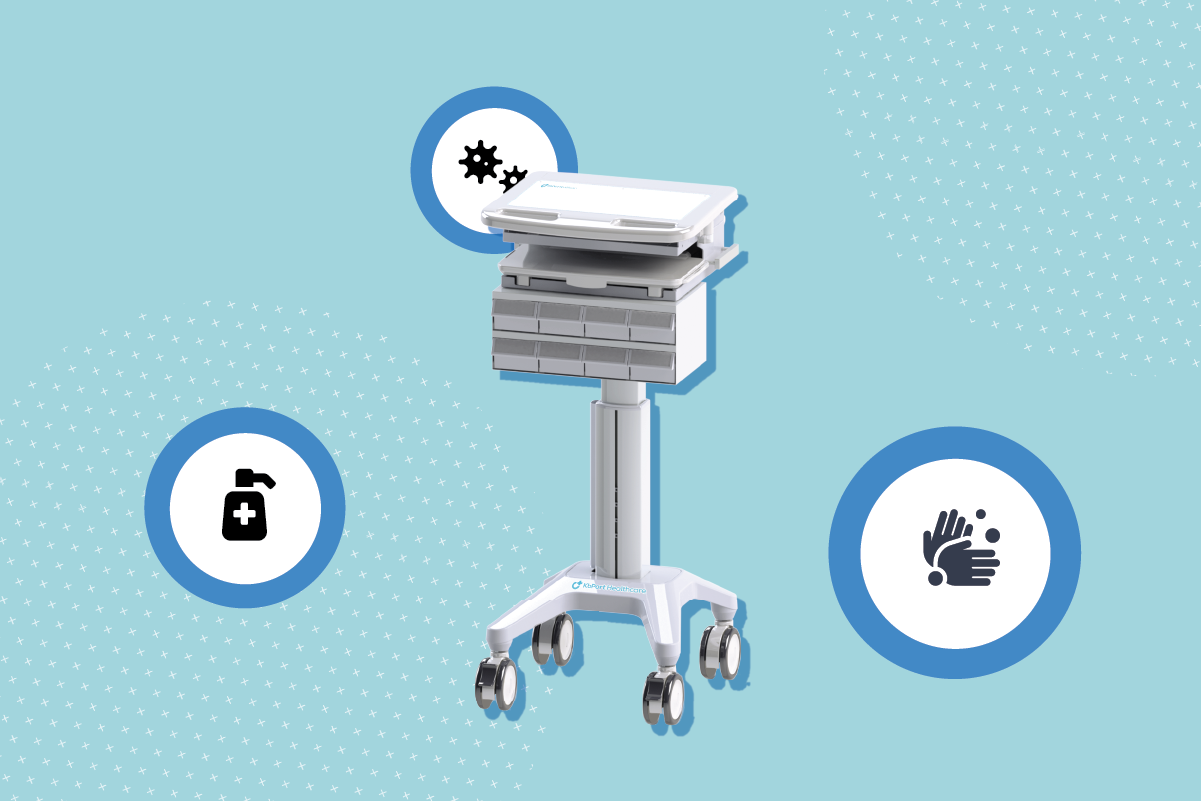
Every healthcare facility should include medical cart cleaning and disinfection as part of its infection control policy, even if they are not otherwise required by local laws. There are strict sanitation guidelines to ensure compliance with the Joint Commission’s requirements.
Fortunately, cleaning medical carts is inexpensive and does not require special equipment. Follow these guidelines to clean your rolling computer carts efficiently.
General Advice
Personnel assigned to cleaning and disinfecting mobile medical carts should wash their hands before starting the cleaning process and after completing it. Good hand hygiene is critical to avoid transferring bacteria and other pathogens onto the cart’s surface or any of its peripherals.
Medical staff should avoid using nitrile gloves when operating keyboards, laptops, or other cart-mounted equipment and use hand sanitizer when you’ve finished using the computer.
Terminology
In a healthcare context, hygiene comprises three elements: cleaning, sanitizing, and disinfecting.
- Cleaning refers explicitly to the process of removing visible foreign agents, such as dirt, debris, dust, particulates, bodily fluids, and more. Cleaning alone is not sufficient for the long-term removal of all pathogens and must be supplemented with disinfecting and sanitizing.
- Sanitizing is the process of removing germs, bacteria, and viruses.
- Disinfecting is the process of removing other pathogens and harmful microorganisms.
General Cleaning and Disinfecting
The most efficient and cost-effective way to clean most surfaces on a mobile medical cart is to use pre-moistened, medical-grade disinfectant wipes. You can use these wipes to clean nearly every surface, from the rolling casters to the laptop’s monitor.
Wipe down each surface thoroughly, giving it time to dry before you resume usage; most cleaners need several minutes of exposure to eliminate pathogens. Use a fresh wipe for each new surface to prevent cross-contamination.
Specific guidelines
Always turn off and unplug all electronic equipment before starting the cleaning process. If your carts feature standard, non-sealed keyboards, disinfectant wipes may not be sufficient for cleaning them.
Instead, use cotton swabs dipped in rubbing alcohol to clean dirt and particles stuck between the keys. Compressed air can reach under the keys and blow out any dust, hair, and other foreign objects.
Keep Your Medical Carts Clean and Sanitized
At KbPort Healthcare, we strive to equip medical facilities with the best mobile medical carts on the market. Our products feature streamlined and ergonomic designs, facilitating everyday use, cleaning, and disinfecting. Call us at 512-756-7300 or email us via our contact form for more information about our products and services.
OPENING HOURS
| Week Days – TX |
8:00 – 4:30 CT |
| Week Days – PA |
8:00 – 4:30 EST |